H618 Ubuntu 22.04 Qt Development Environment Setup Guide

1、Preparation H618 development board, remote tools like WinSCP and PuTTY, and enabling SSH remote login on Ubuntu. 2、Build Environment Setup 首先,更新系统包列表并安装编译 Qt 所必需的开发工具和依赖库。请在终端中执行以下命令: sudo apt update sudo apt install build-essential g++ libgl1-mesa-dev libglu1-mesa-dev freeglut3-dev mesa-common-dev libx11-dev libxext-dev libxtst-dev -y 以上包含了 GCC 编译器、Make 工具以及 Qt 图形界面所需的 X11 和 OpenGL 相关库。 ...

April 29, 2026 · 5 min · 2273 words · siyou · 
H618

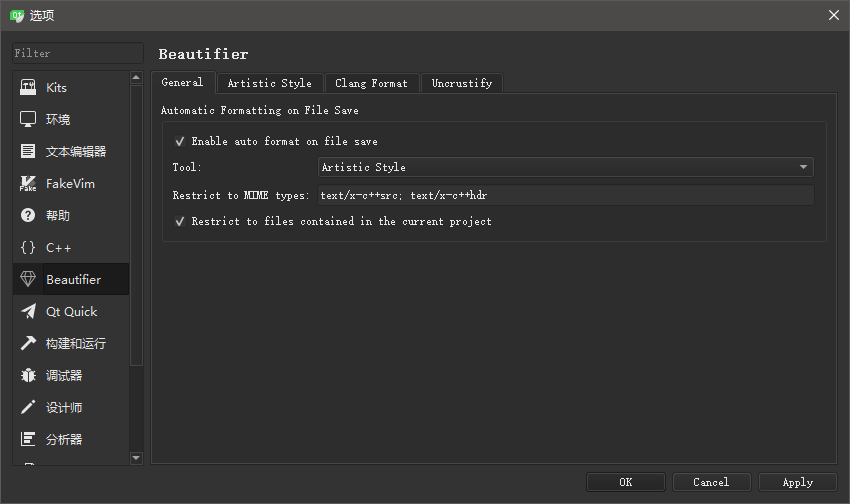
Tutorial on Configuring Code Formatting in Qt Creator

Preface Code style is not just about aesthetics; it is a crucial component of code quality. A good code style enhances readability and reduces the likelihood of errors, thereby improving the overall quality of the software. Specifically, a consistent code style helps in the following ways: Improved Readability: Consistent formatting rules make the code easier for other developers to understand, which is especially important in collaborative projects. Reduced Errors: Standardized code style can prevent common programming mistakes, such as mismatched brackets, thus increasing code stability. Enhanced Team Collaboration: When team members adhere to the same code style, the code review process becomes more efficient. It minimizes communication barriers caused by stylistic differences, leading to smoother and more harmonious teamwork. In summary, using a third-party plugin to unify code style not only improves code quality but also strengthens team cohesion and facilitates the smooth progress of a project. ...

February 24, 2026 · 2 min · 418 words · siyou · 
Configuring the astyle plugin in Qt